
If you’ve been hunting for an MT4 robot that actually respects risk while catching clean moves on Gold (XAUUSD) and EURUSD, say hello to GARRY’S AI EA V3.0. It’s a rules-driven Expert Advisor with AI-assisted filtering—meaning it won’t fire off random trades just coz the market twitched. Instead, it waits for confluence, controls exposure, and gives you levers to fine-tune the risk you’re comfortable with.
Below, you’ll find a practical, trader-first walkthrough: what the EA does, how the logic works, recommended settings, installation steps, FAQs, and a realistic way to run it day-to-day without drama.
What Is GARRY’S AI EA V3.0?
GARRY’S AI EA V3.0 is a MetaTrader 4 Expert Advisor designed for XAUUSD (Gold) and EURUSD across M5 to H1 timeframes. It’s tuned for stable execution, not lottery tickets. You’ll get AI-assisted confluence (trend + volatility + micro-structure), ATR-aware stop sizing, and a risk framework that favors steady compounding over “one big score.”
- Markets: XAUUSD, EURUSD
- Timeframes: M5, M15, M30, H1
- Minimum Deposit: $500 (and keep risk small)
- Account Type: ECN/Raw spread recommended; VPS strongly suggested
Who it’s for: Traders who want disciplined automation, prefer non-martingale risk, and are willing to demo forward-test before going live. If you like clean logic you can explain (and audit), this will feel like home.
Key Features (V3.0)
- AI-assisted confluence: Trades only when the trend baseline, volatility guard, and price-action confirmation agree.
- ATR-aware risk: Dynamic SL sizing relative to recent volatility; you’re not forced into silly-wide stops.
- No martingale, no grid: Optional light pyramiding on confirmation only, within hard exposure limits.
- Equity guard & daily stop: Auto-pause new entries if floating drawdown or daily loss hits your threshold.
- Spread & slippage filters: Skips entries in bad conditions (spreads blown out, latency spikes, etc.).
- Session & news windows: Trade the liquid sessions; optionally block minutes around high-impact releases.
- Partial TP & trailing: Secure profit at +1R (configurable), trail the remainder behind ATR or swing structure.
- Transparent logs: See why a trade was taken, skipped, or closed—super helpful for optimization.
Strategy Logic — Under the Hood
1) Directional Bias
A dual-moving average structure with momentum confirmation sets the backdrop. If the higher-timeframe flow is bullish and price is holding above the baseline on your entry timeframe, long setups are permitted (vice versa for shorts).
2) Volatility Gate (ATR)
The EA checks if a practical stop (e.g., 1.5×–2.5× ATR) fits your risk-per-trade. If volatility is “too hot” (stop would be unreasonably wide) or unrealistically tight, entries are vetoed.
3) Price-Action Confirmation
No confirmation, no trade. Think break-retest, strong close beyond a micro-level, or an engulf that signals actual intent—not just a random wick.
4) Risk Lifecycle
Position size is calculated from % of equity, not arbitrary lots. The EA can scale out partially at +1R, then trail the remainder. If a fresh confirmation appears in your favor (and exposure caps allow), V3.0 can pyramid lightly—never average down.
Recommended Settings (Starter Template)
- Broker: ECN/Raw spread
- VPS: Yes (low latency, fewer hiccups)
- Leverage: 1:200–1:500 (leverage isn’t an edge; size responsibly)
Symbols & Timeframes
- XAUUSD: M5–M15 for active sessions; M30/H1 if spreads are wider
- EURUSD: M15–H1 (H1 is cleaner; M15 gets more signals)
Risk Controls
- Risk per trade: 0.5%–1.0% (beginners: 0.5%)
- Max open positions (all charts): 3–5
- Daily loss stop: 2%–3% (pause until next session)
- Equity guard (floating DD): 5%–8% auto-pause
Execution Filters
- Max spread: tune per broker; e.g., EURUSD ≤ 15–20 points; XAUUSD ≤ ~35–60 points (depends on quoting)
- Max slippage: 1–3 points (adjust to your feed)
- Sessions: Focus London/NY overlap; avoid rollover
- News block (optional): 10–15 minutes before/after red-flag events (CPI, NFP, FOMC)
Stops & Targets
- SL: 1.5×–2.5× ATR or below/above last clean swing
- TP: Aim 1.5R–2.0R; consider partial at +1R, trail the rest behind ATR/swing
Installation & Setup (MT4)
- Copy the EA file to
MQL4/Experts/inside your MT4 data folder. - Restart MT4 → check Navigator → Experts.
- Enable AutoTrading on the toolbar.
- Attach GARRY’S AI EA V3.0 to each symbol chart you want to trade (one symbol per chart).
- Inputs: Load your preset or apply the template above.
- Permissions: Allow DLL imports only if you’re using a calendar/news module.
- Demo run for 1–2 weeks before going live; confirm spread, slippage, and broker behavior.
Performance Expectations (Reality Check)
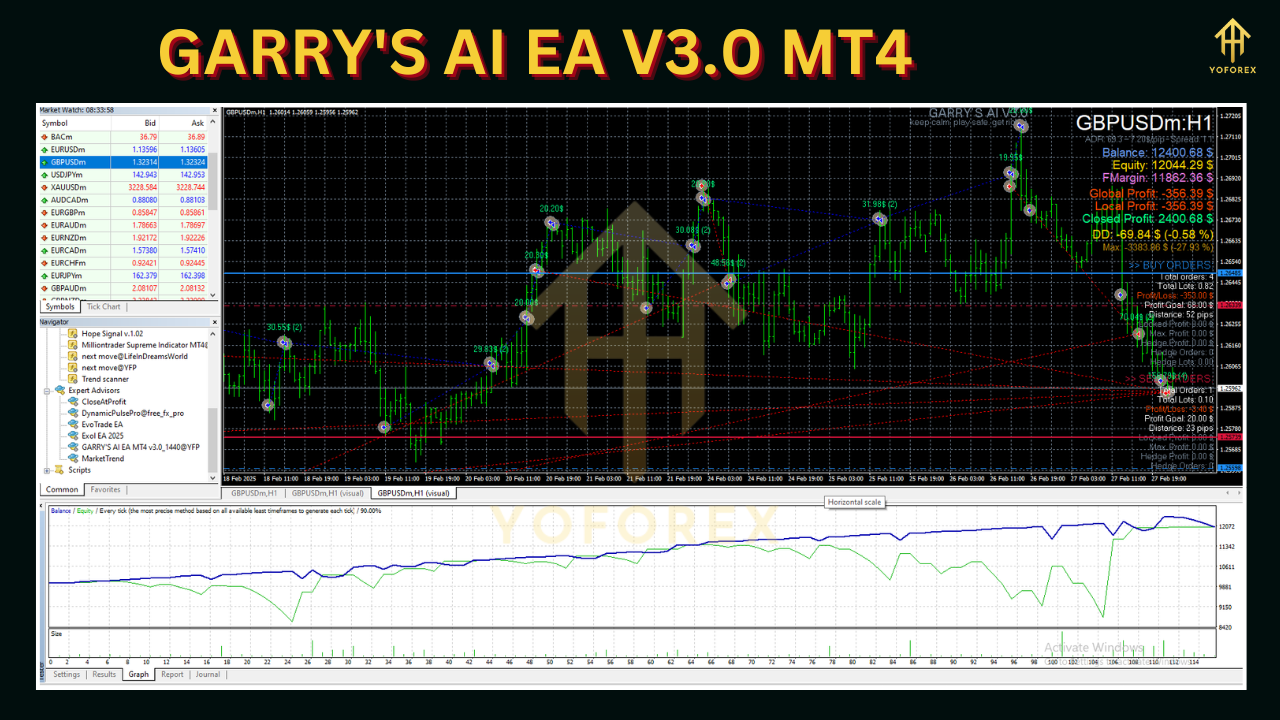
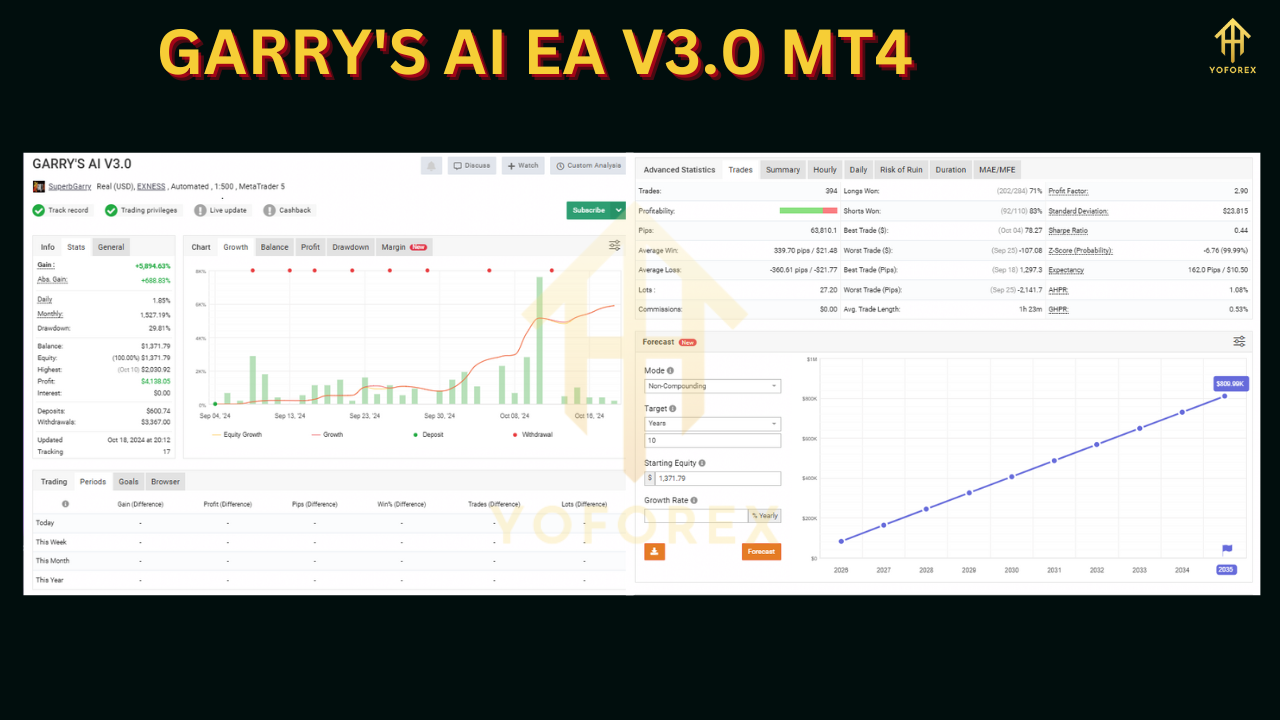
When markets are clean—e.g., EURUSD trends post-breakout, or Gold drives strongly during high-liquidity hours—the EA should find decent setups. In choppy or news-distorted conditions, it should skip more often. That’s a feature, not a bug. You’ll likely see clusters of trades around quality windows and quiet stretches elsewhere. Judge outcomes in R-multiples and over months, not by a single day’s P/L.
Backtesting & Forward Testing Tips
- Use tick-quality data and variable spreads; fixed-spread tests look better than reality.
- Simulate news windows if possible; otherwise, at least be aware of those timestamps.
- Test multiple months across different regimes (trending, rangy, volatile).
- Forward test on a VPS to validate execution, fills, and broker quirks.
Risk Management Playbook
- Keep risk small & constant. 0.5%–1.0% per trade is plenty; don’t “double after loss.”
- Respect the circuit breakers. Daily stop and equity guard exist to pause you, not to be ignored.
- Watch costs. If spreads widen or slippage creeps up, reduce risk or pause—especially on Gold.
- Avoid over-optimization. What looks perfect on one month often fails the moment the regime changes.
FAQ
Does it use martingale or grid?
No. V3.0 can add light scale-ins only on fresh confirmation and within max exposure. No averaging down losers.
Does it trade every day?
Not guaranteed. It skips poor conditions; that’s part of its edge.
Small accounts okay?
Yes—but start tiny. $500 minimum deposit is a sensible floor; keep risk at 0.5% and use a VPS.
Best timeframe?
H1 is calmer; M15 finds more signals but is more cost-sensitive. For Gold, M30/H1 often balances signal quality and cost better with typical retail spreads.
Disclaimer
Trading Forex/CFDs involves risk. Past performance doesn’t guarantee future results. Always forward-test on demo, then go live gradually with conservative sizing. Never trade money you can’t afford to lose.
Call to Action
Want disciplined automation for XAUUSD and EURUSD that respects risk and timing? Install GARRY’S AI EA V3.0 on MT4, run it on demo with the starter template, and watch how it behaves across sessions. When your execution looks solid, scale slowly—keep the guardrails on, and let the confluence logic do the heavy lifting.