

Finding the right trading robot can feel overwhelming—especially with so many EAs promising the moon and delivering little. That’s where Opal EA MT5 makes a real difference. Designed for the MetaTrader 5 (MT5) platform, Opal EA blends algorithmic precision with risk management, helping traders automate their strategies and maintain consistent growth.
Instead of relying on emotions or guessing, Opal EA executes trades with logic-driven rules. Whether you’re a beginner searching for stability or an experienced trader scaling accounts, this EA is designed to adapt to multiple market conditions.
Overview of Opal EA MT5
The Opal EA MT5 is a professional-grade Expert Advisor (EA) built for forex and gold traders. It’s optimized for trend and counter-trend setups, ensuring balanced performance across different markets.
Core Highlights:
- Platform: MetaTrader 5 (MT5)
- Pairs: Major forex pairs + gold (XAUUSD)
- Timeframes: Works best on M15, M30, H1
- Strategy: Combination of trend-following and breakout filters
- Account Types: ECN, Standard, and Prop-firm friendly
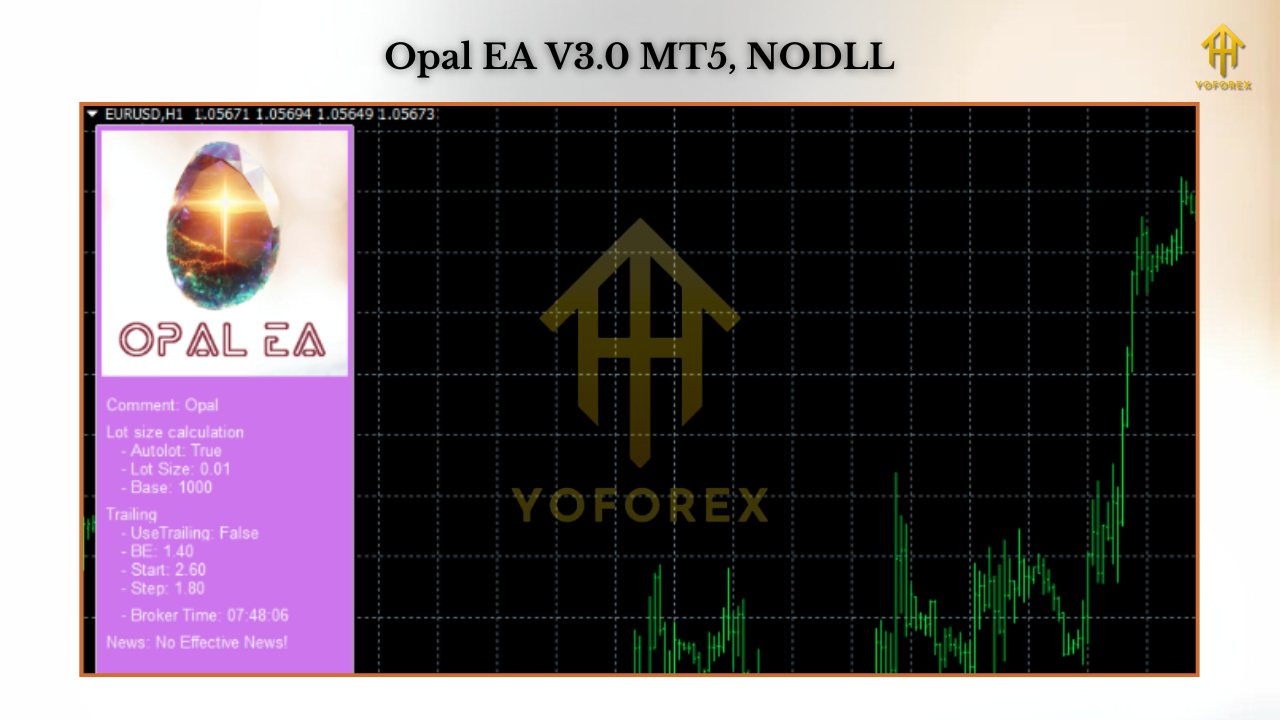
Key Features of Opal EA MT5
- Automated entry and exit with built-in risk filters.
- Works on major forex pairs and gold.
- Non-martingale strategy—safer long-term growth.
- Adjustable lot sizes (fixed or dynamic).
- Built-in stop loss and take profit system.
- Optimized for low-drawdown performance.
- Compatible with all brokers supporting MT5.
- Simple setup with default recommended settings.
- Prop-firm ready with risk-conscious design.
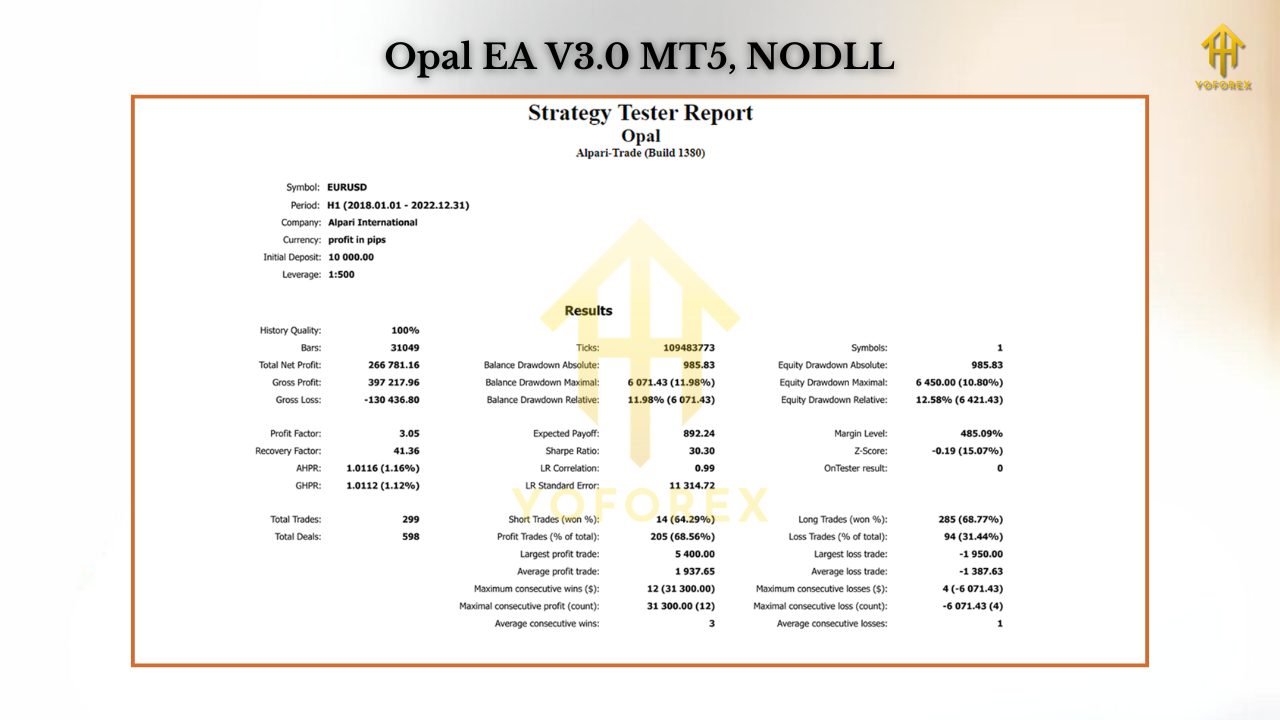
Performance & Backtesting
- Pairs tested: EURUSD, GBPUSD, XAUUSD
- Timeframes: M30 and H1
- Win Rate: 65–72% (depending on pair)
- Profit Factor: Around 1.9–2.1
- Drawdown: Typically under 10%
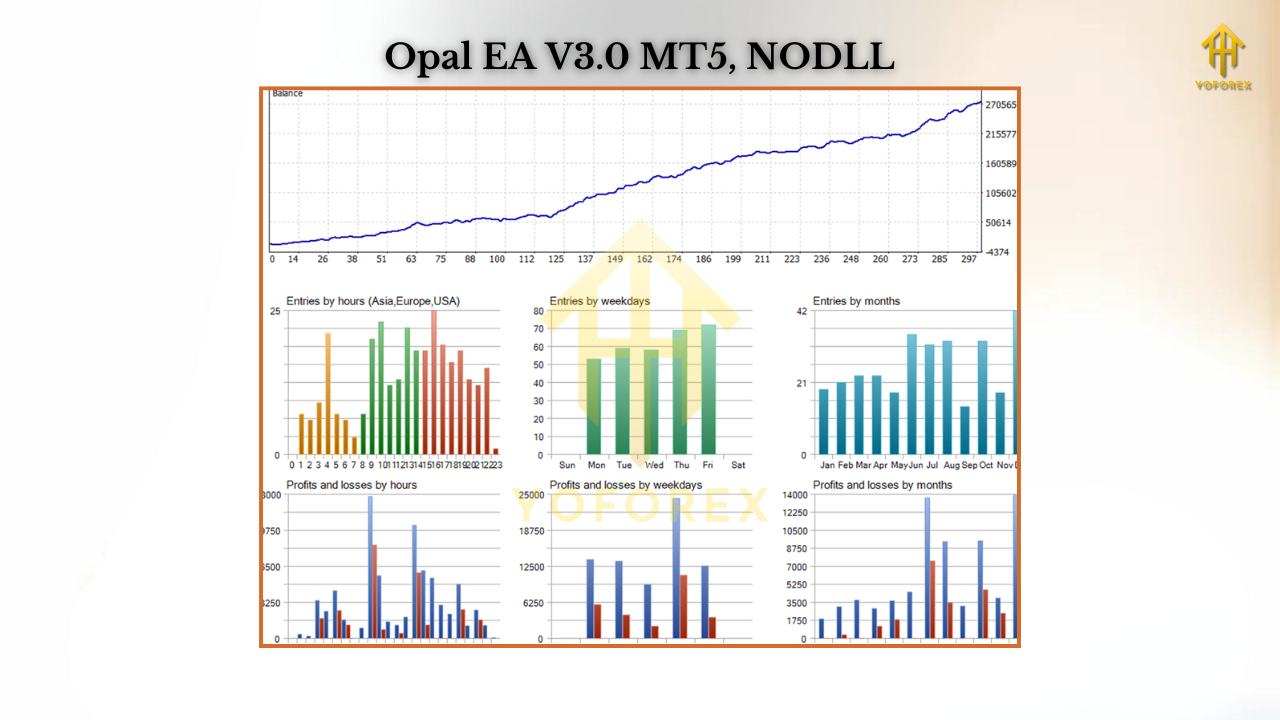
- Monthly returns: 5–12% (depending on settings and risk)
Installation & Setup Guide
- Download the EA file.
- Open MetaTrader 5 → File → Open Data Folder → MQL5 → Experts.
- Copy the EA into the Experts folder.
- Restart MT5, find Opal EA under Navigator → Expert Advisors.
- Attach it to your chosen chart (recommended M30/H1).
- Adjust risk %, lot size, and other inputs.
- Enable Algo Trading to let the EA work automatically.
Why Choose Opal EA MT5?
- Controlled risk.
- Prop-firm compatibility.
- Multi-market adaptability.
- Long-term account growth.
Support & Disclaimer
- Past performance does not guarantee future results.
- Always trade responsibly and manage risk.
- Test on demo before using on a live account.
Call to Action
Ready to take the next step in automated trading? Try Opal EA MT5 today and see how AI-powered trading logic can help you reduce stress, trade smarter, and aim for consistent growth.