

Introduction
If you’ve ever felt lost when trying to mark support and resistance zones manually… don’t worry, you’re honestly not alone. Traders spend hours drawing zones, adjusting them, re-drawing them after every market move, and still sometimes get caught on the wrong side of the chart. That’s actually why tools like Zone Indicator V1.3 MT4 are becoming super popular—coz they remove half the confusion and give clearer, more realistic market levels.
In this guide, I’ll break down how the indicator works, what makes it special, and why traders keep choosing it for MT4. I’ll keep the tone simple and human, just how a real trader would explain it to a friend.
What Is Zone Indicator V1.3 MT4?
Zone Indicator V1.3 MT4 is a trading tool created for MetaTrader 4 that automatically detects the most important market zones, such as:
- Supply zones
- Demand zones
- Support levels
- Resistance levels
- High-volume turning points
Instead of manually identifying these zones (which is sometimes pure guesswork), the indicator uses an advanced algorithm that maps the strongest imbalance areas—where big institutions or whales reacted previously.
Most traders rely on these zones to plan entries, exits, retests, breakouts, reversals and even intraday scalping setups. With the Zone Indicator, it becomes far easier to see which area the price is respecting and where you should avoid trading completely.
Why Traders Prefer Zone Indicator V1.3 MT4
- Automatically draws clean zones without repainting
- Shows high-probability reversal and retest areas
- Works for all trading styles: scalping, day trading, swing
- Supports every pair—forex, gold, indices, crypto
- Very light & doesn’t lag your MT4
- Marks fresh, strong, and weak zones separately
- Helps avoid over-trading & wrong entries
- Beginner-friendly but powerful enough for advanced traders
How Zone Indicator V1.3 MT4 Works
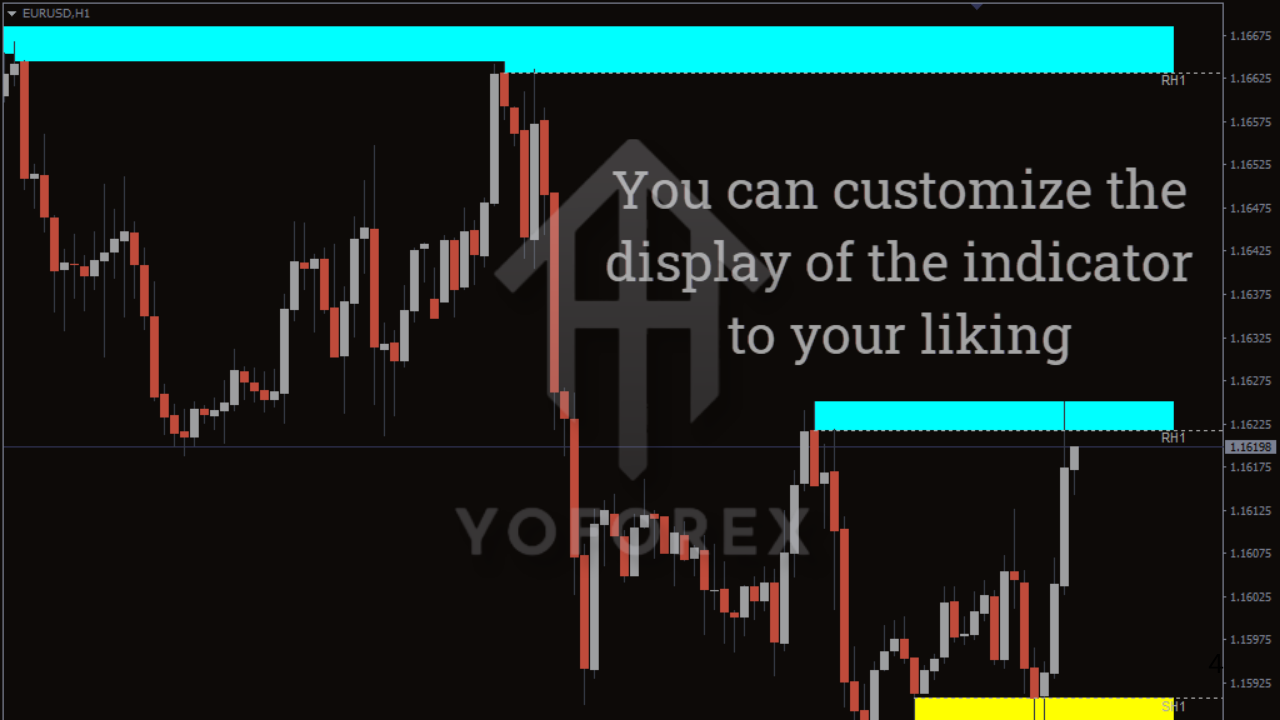
The indicator uses historical price data and volume-driven logic to identify key market imbalances. When price previously reacted from a region with strong volatility, that zone becomes an “important area” that institutions respect again and again.
The indicator highlights:
1. Strong Demand Zones
These show where buyers previously came aggressively into the market and pushed price upward.
2. Strong Supply Zones
Areas where sellers dominated previously and created a strong drop.
3. Breakout & Retest Levels
Perfect for entries when price breaks a zone and comes back to confirm it.
4. Weak & Fake Zones
Many indicators show too many zones; Zone Indicator V1.3 filters weaker ones to reduce noise.
This makes trading cleaner, simpler and way more structured.
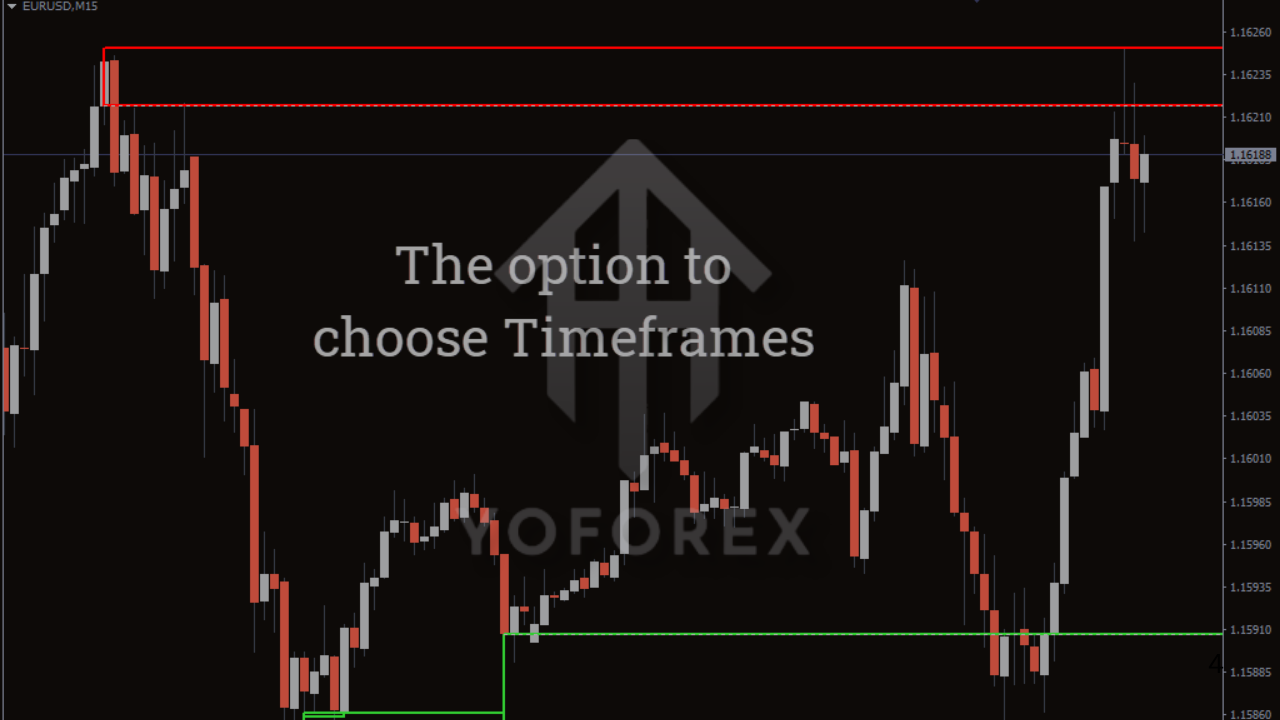
Best Timeframes for Zone Indicator V1.3 MT4
- M15 / M30 for scalping
- H1 / H4 for intraday
- D1 for swing trading
Higher timeframes produce stronger zones, but smaller timeframes give more frequent trading opportunities. You can combine both to form a high-probability strategy.
Best Pairs to Use With This Indicator
You can use Zone Indicator V1.3 MT4 on:
- Forex pairs (EURUSD, GBPUSD, USDJPY, etc.)
- Gold (XAUUSD)
- Indices like US30, NAS100, DAX
- Bitcoin and crypto CFDs
- Oil (WTI, Brent)
Gold and NAS100 traders especially love this indicator coz these assets respect zones extremely well.
Who Should Use Zone Indicator V1.3 MT4?
Honestly—any trader who wants cleaner entries. But it’s especially useful if you are:
✔ A beginner who struggles with marking zones
✔ A scalper who relies on retests
✔ A swing trader who uses H1–D1 structures
✔ A trader who wants to avoid false breakouts
✔ Someone trying to reduce chart confusion
Even if you are an advanced trader, the indicator saves a lot of time and helps maintain consistency.
Trading Strategy Using Zone Indicator V1.3 MT4
Here’s a simple, realistic strategy you can start using:
1. Identify a Fresh Supply or Demand Zone
Let the indicator highlight the area automatically.
2. Wait for Price to Enter the Zone
Don’t rush, just let the chart come to the zone.
3. Confirm with Price Action
Look for simple signals like:
- Pin bars
- Engulfing candles
- Breakout candles
- Retest patterns
4. Entry
Enter when price begins reacting.
5. Stop-Loss
Place SL slightly above/below the zone.
6. Take Profit
Aim for 1:1.5 or 1:2 risk-reward.
Zone trading usually works best when you target safe, consistent profits.
Does the Indicator Repaint?
No, Zone Indicator V1.3 MT4 does not repaint.
Once a zone forms, it stays fixed. This is crucial because repainting tools mislead traders. Here, you can rely on the levels confidently.
Final Thoughts – Is It Worth Using?
Absolutely, yes. If you want clearer charts, smarter levels, fewer mistakes, and more structured entries… then Zone Indicator V1.3 MT4 is a must-try tool. It’s simple enough for beginners, powerful enough for pros, and flexible enough for any market.
Trading becomes way easier when you actually know where the market is likely to react.